
← All guides
Test caching and CDN behaviour
One-click presets to bypass cache, change language or turn on CDN debug headers.
- 1
Pick a preset
In Header & Cache Modification click Add No-Cache Profile (sends Cache-Control and Pragma: no-cache), Add French Locale (Accept-Language), or a CDN preset such as Akamai Debug, Cloudflare Cache Test, Fastly Debug, CloudFront Cache Test.
- 2
Apply
Click Apply Rules and reload. Compare cache headers in Network → Cache.
- 3
Clear
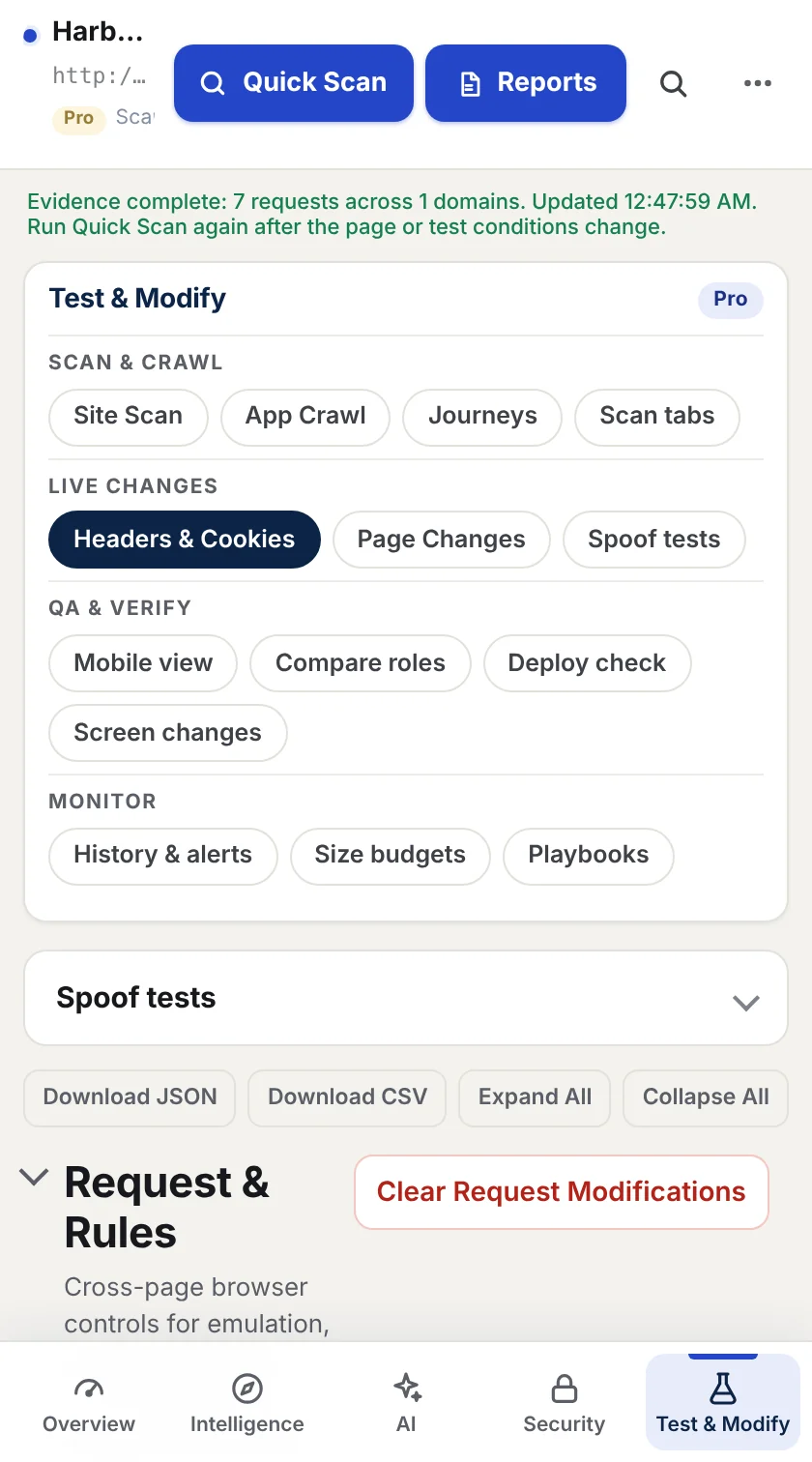
Use Clear Request Modifications when you're done.