
← All guides
Scan a whole site
Scan up to 100 pages from the sitemap or links, with broken links and redirect health.
- 1
Set it up
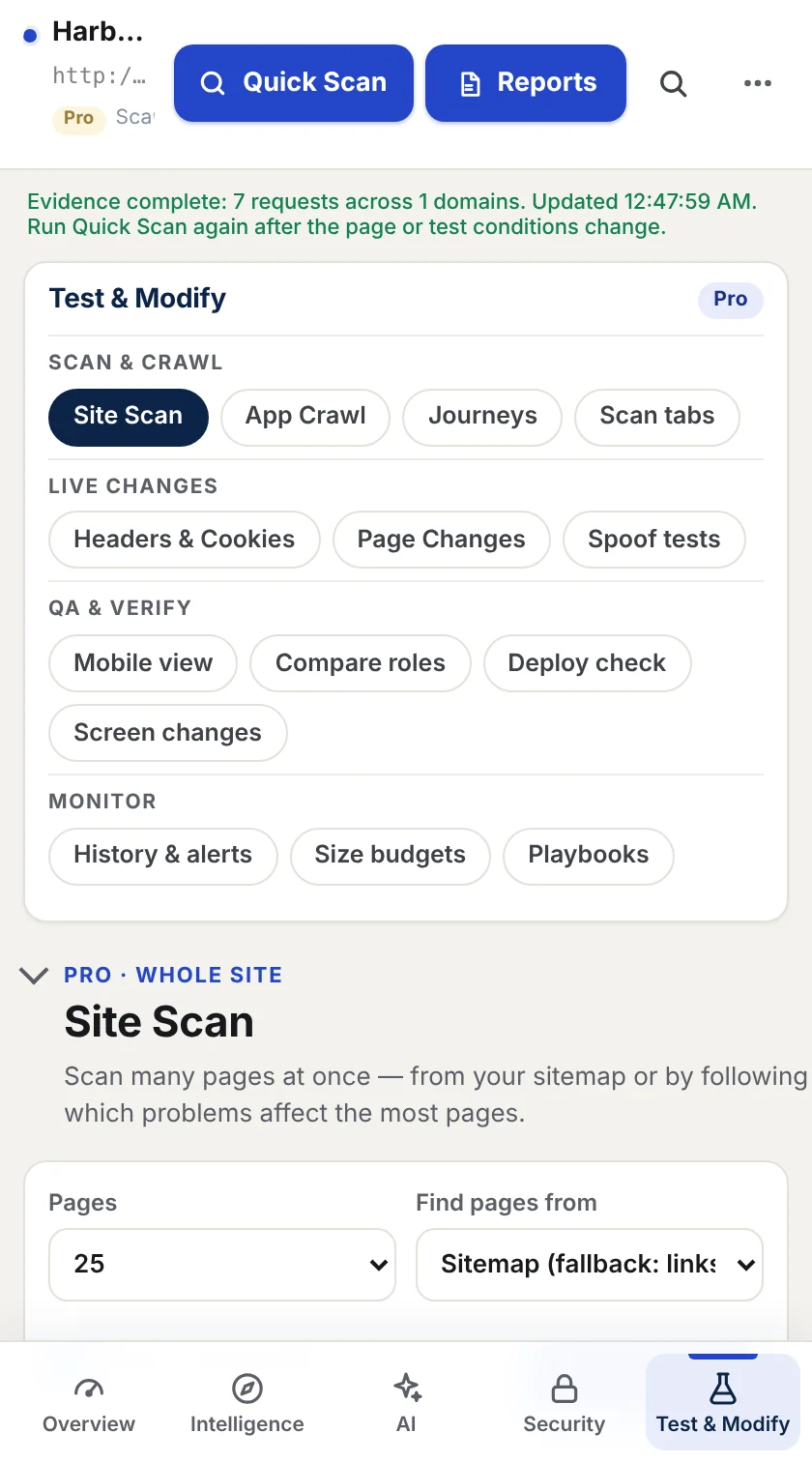
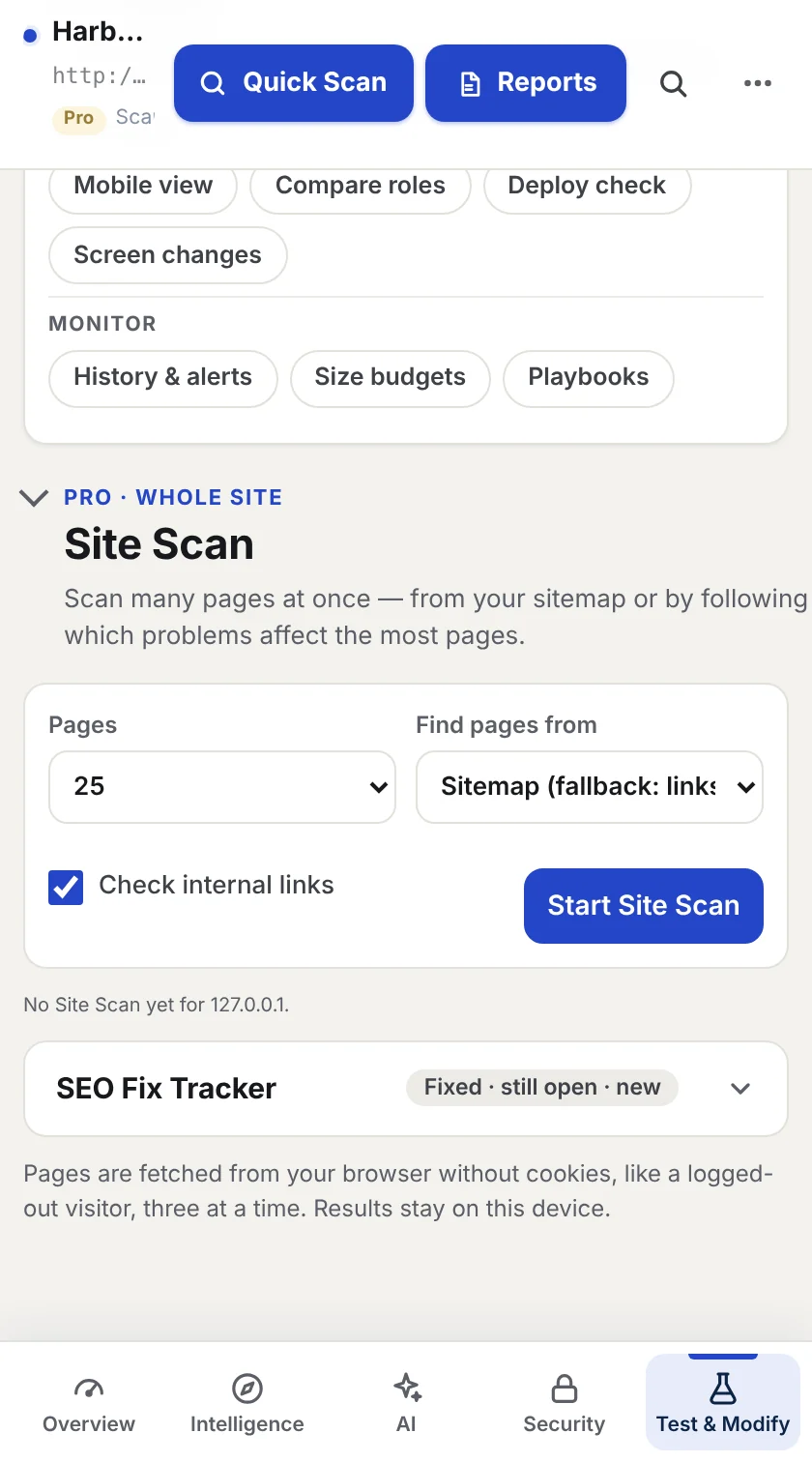
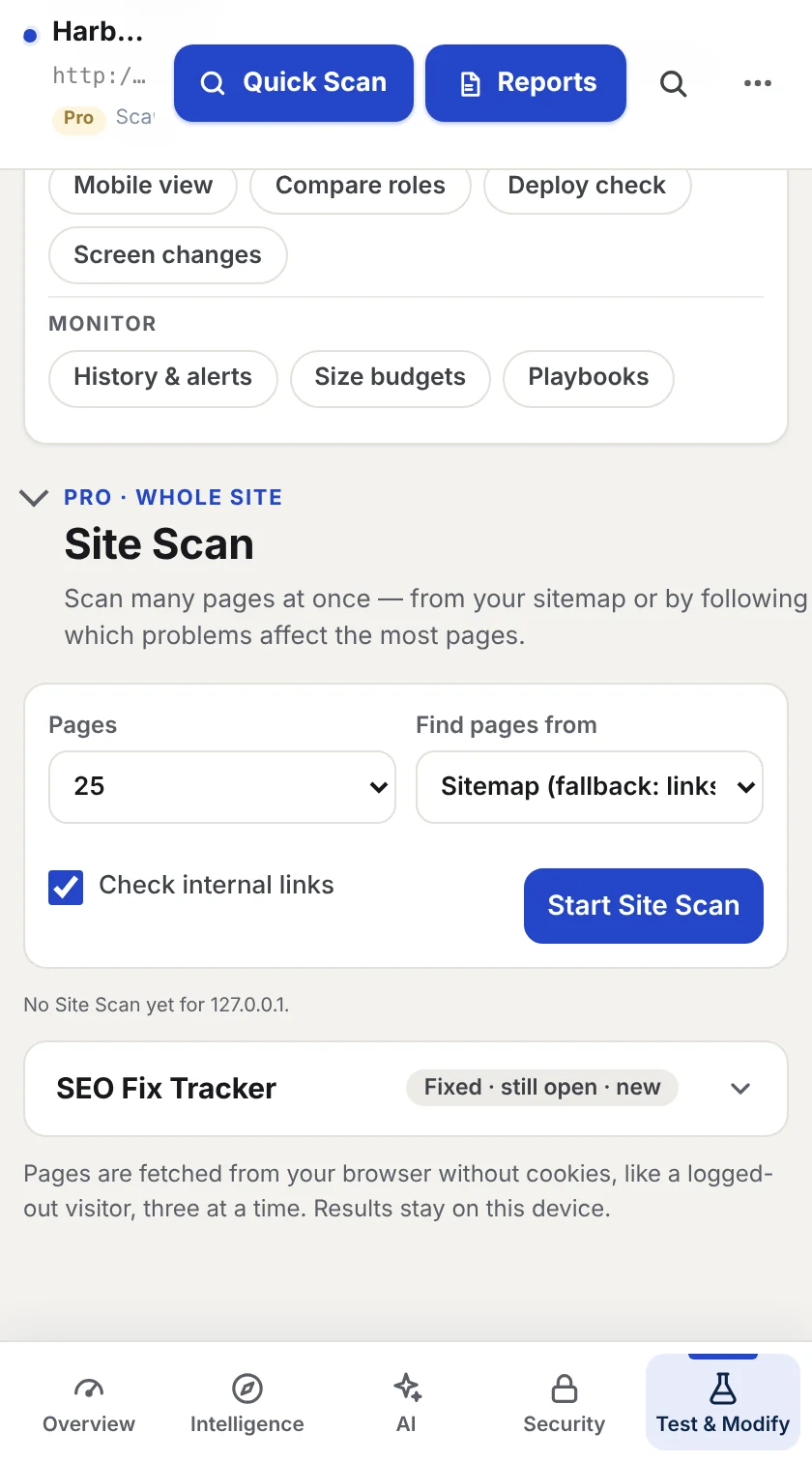
Go to Test & Modify → Site Scan. Choose how many Pages (10, 25, 50, 100), where to Find pages from, and whether to Check internal links. Click Start Site Scan.
- 2
Read the results
You get site health, pages scanned, issue types, pages with errors and average response, then issues ranked across the site.
- 3
Redirect health
Shows addresses followed, redirects, permanent vs temporary, chains and loops, and internal links that point at a redirect, with source and destination.
- 4
Track your fixes
Run the Site Scan again after you fix things. The SEO Fix Tracker marks each issue as fixed, still open or new.
- 5
Download
Download CSV exports every page and issue.
Good to know
- Pages are checked from your browser as a logged-out visitor, so site-wide issues are reviewed consistently.