
← All guides
Create a report
Six ready-made reports from the latest Quick Scan, for executives, engineers, QA, performance, AI and stakeholders.
- 1
Pick a report type
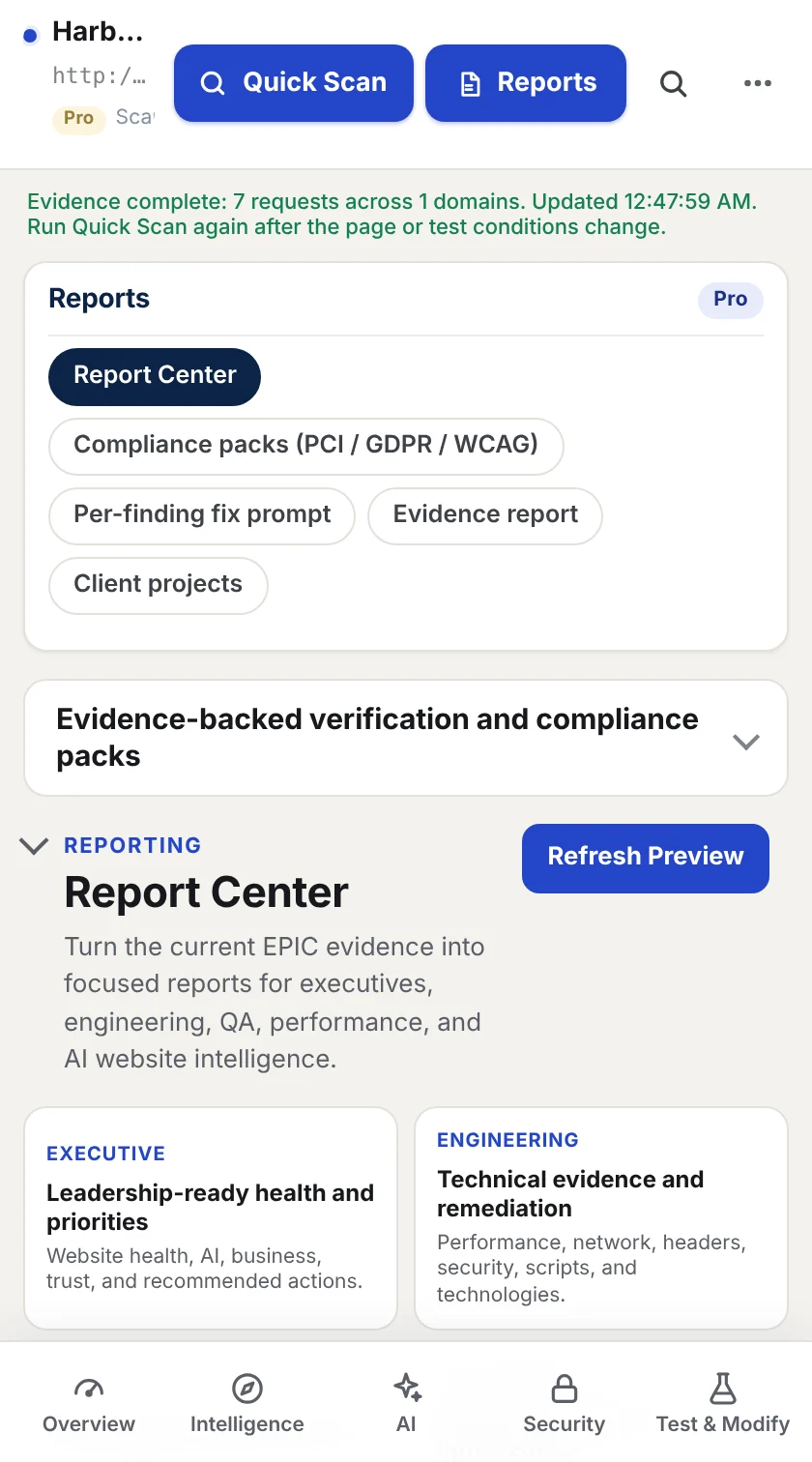
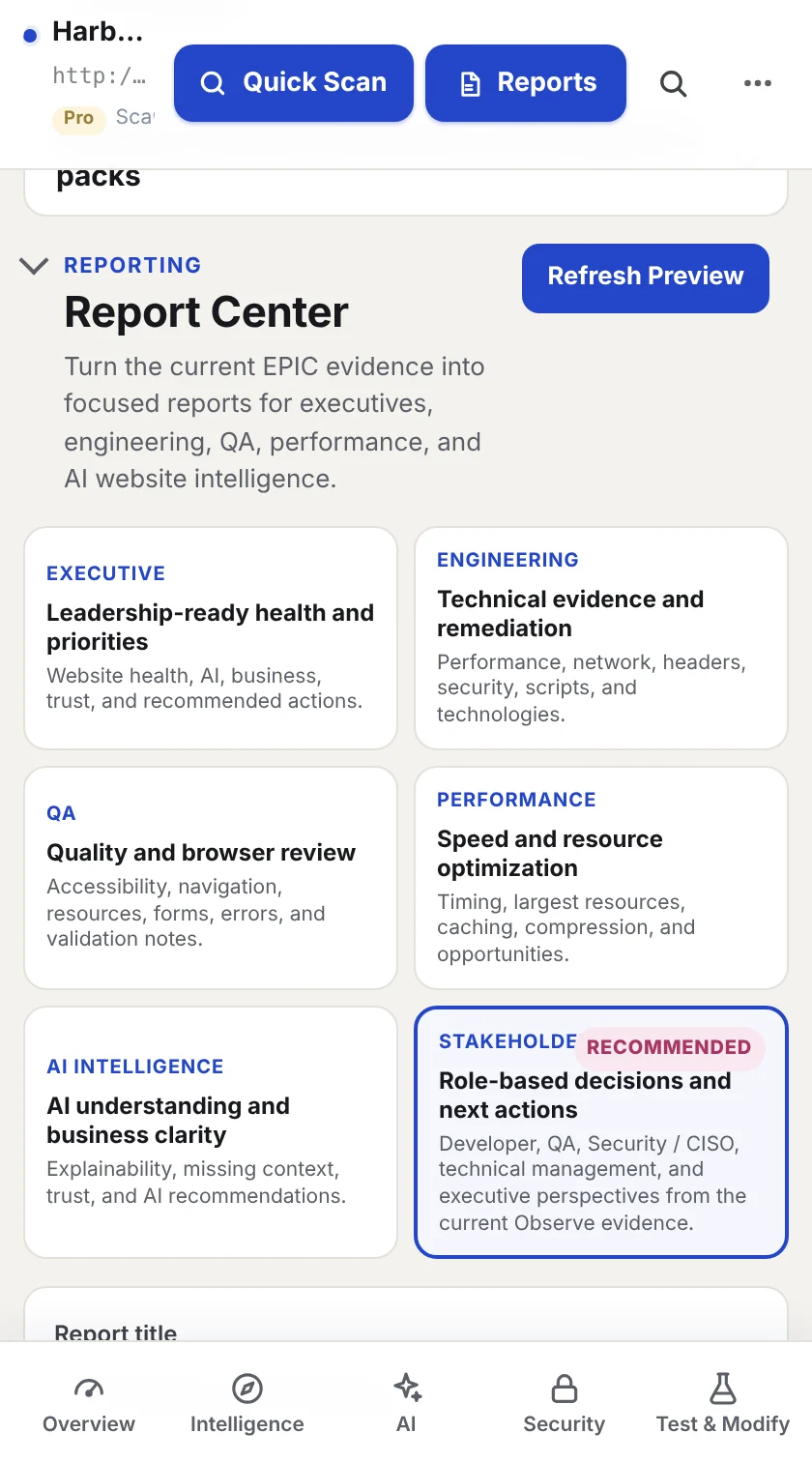
Go to Reports → Report Center and pick Executive, Engineering, QA, Performance, AI Intelligence or Stakeholder Insights. Add a title, who it's for, and whether to include the technical appendix.
- 2
Generate
Click Generate Report. The preview shows scores, findings and recommendations.
- 3
Share it
Download HTML saves a self-contained file. Open Printable Report opens a print-ready tab (save as PDF from there). Copy Summary puts a short text summary on your clipboard.
Related guides
Free1 minEvery download in EPICWhere to find each export. Everything is generated in your browser and saved to your Downloads folder. EPIC masks the passwords, session cookies, sign-in tokens and authorization headers it recognizes in every export. Masking can't catch every app-specific secret, so review files before you share them.Pro3 minUse History, the Change Log and Visual TimelineEvery scan is kept so EPIC can tell you what changed, when, and show it side by side.